Windows 10 end of life: upgrading dental office computers without the downtime
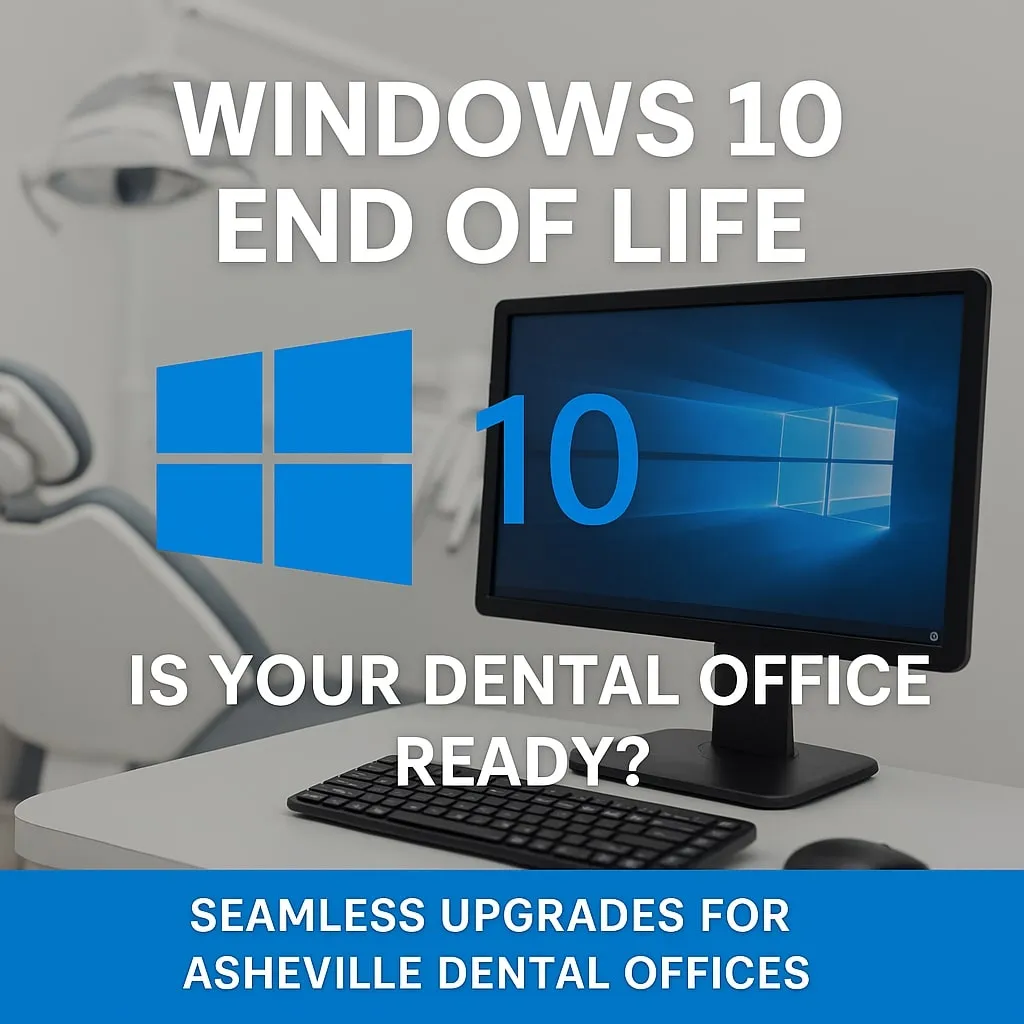
Microsoft ended support for Windows 10 on October 14, 2025. A computer still running it no longer gets regular security fixes unless the practice pays for Extended Security Updates (ESU), and that price goes up every year. Year one was $61 per computer. Year two, which started October 14, 2026, is $122, and a practice that skipped year one has to pay for both years to join.
If your front desk or operatories still have Windows 10 machines, this is the year to replace them. Paying for ESU only buys time, and it doesn't fix the slow old hardware most of those computers are sitting on.
Why this matters more in a dental office
- Patient data. HIPAA expects you to keep systems that hold patient information patched. An unsupported computer at the front desk is the kind of thing a risk assessment flags.
- Ransomware. Attackers go after computers that have stopped getting updates, and dental offices are a common target.
- Your software vendors. Dentrix, Eaglesoft, Open Dental and the imaging programs set their own system requirements, and they drop older versions of Windows over time. Running an unsupported setup can leave you on your own when something breaks.
- Speed. Many Windows 10 machines are five or more years old. If x-rays take a while to open in the operatory, the computer is often why.
How we upgrade without stopping the schedule
Most dental teams dread computer changes, and for good reason. A workstation that won't open the chart or the sensor software in the middle of the day costs real money. Here's how we keep that from happening.
Computers ready before we arrive
We keep business-grade computers on hand and set them up in our shop first: Windows 11, security tools, backups and your practice software prerequisites. You aren't waiting weeks for an order.
Your setup carries over
We move each person's programs, files, printers and settings to the new machine, so it works the way the old one did, only faster. Imaging bridges and sensor drivers get tested before anyone sits down with a patient.
After hours when it makes sense
We often swap machines at lunch, after close or on a day the office is out, so your team comes back to finished workstations.
We know the dental software
We support 11 dental and specialty practices around Western North Carolina, so we already know how Dentrix, Eaglesoft, Open Dental and the common imaging programs need to be set up. When the software vendor needs to be involved, we handle the call with them.
What every replacement includes
- Windows 11 Pro with updates managed and monitored
- Layered security, including SentinelOne with 24/7 monitoring, designed to stop as much as possible
- Backups with alerts if one fails
- The old drive wiped or destroyed so patient data doesn't leave the building on a retired computer
If you can't replace everything at once
That's common, and it's fine. We'll list every computer by age and role, and the ones that hold or display patient data go first. Year two ESU can cover a machine or two that has to wait, such as a computer tied to an older piece of imaging equipment. Just don't let ESU turn into the plan for the whole office.
Want a list of which of your computers need replacing and what it would cost? Call us at 828.290.9092 or send us a message.